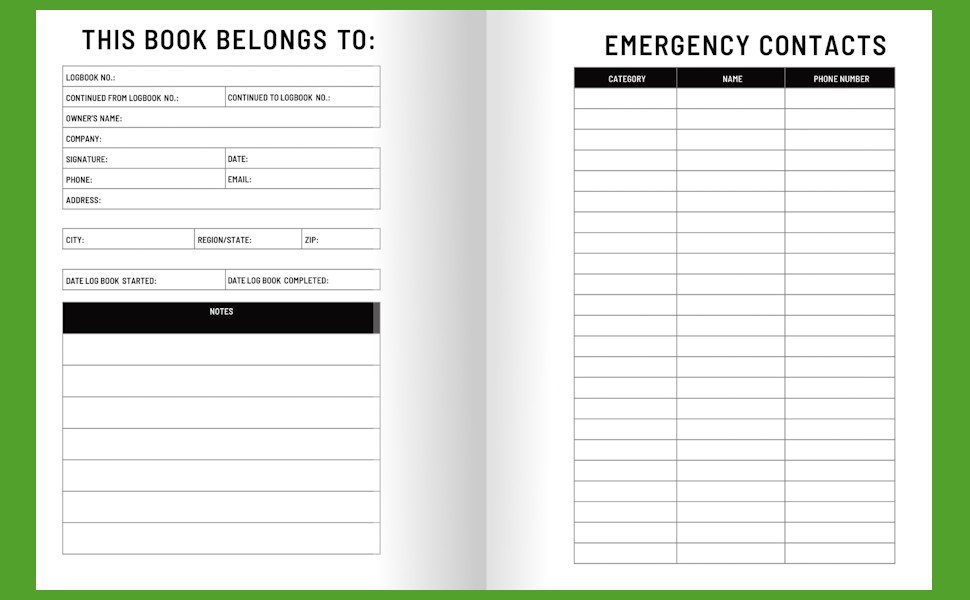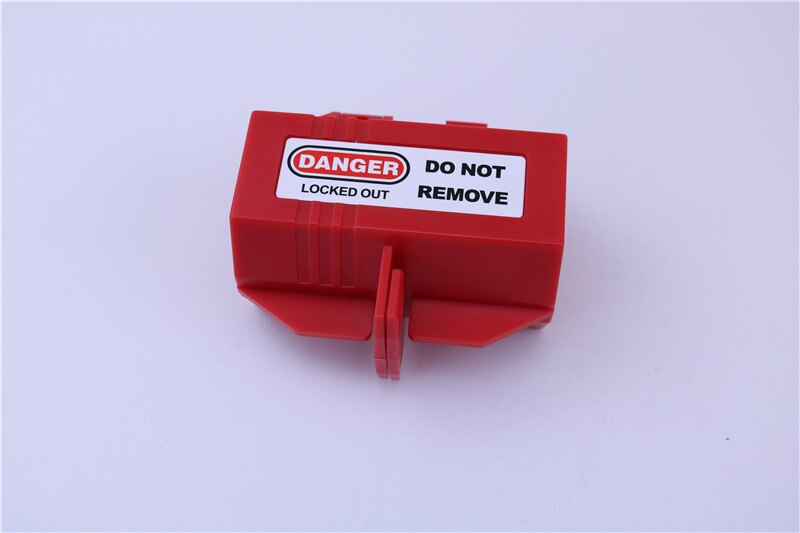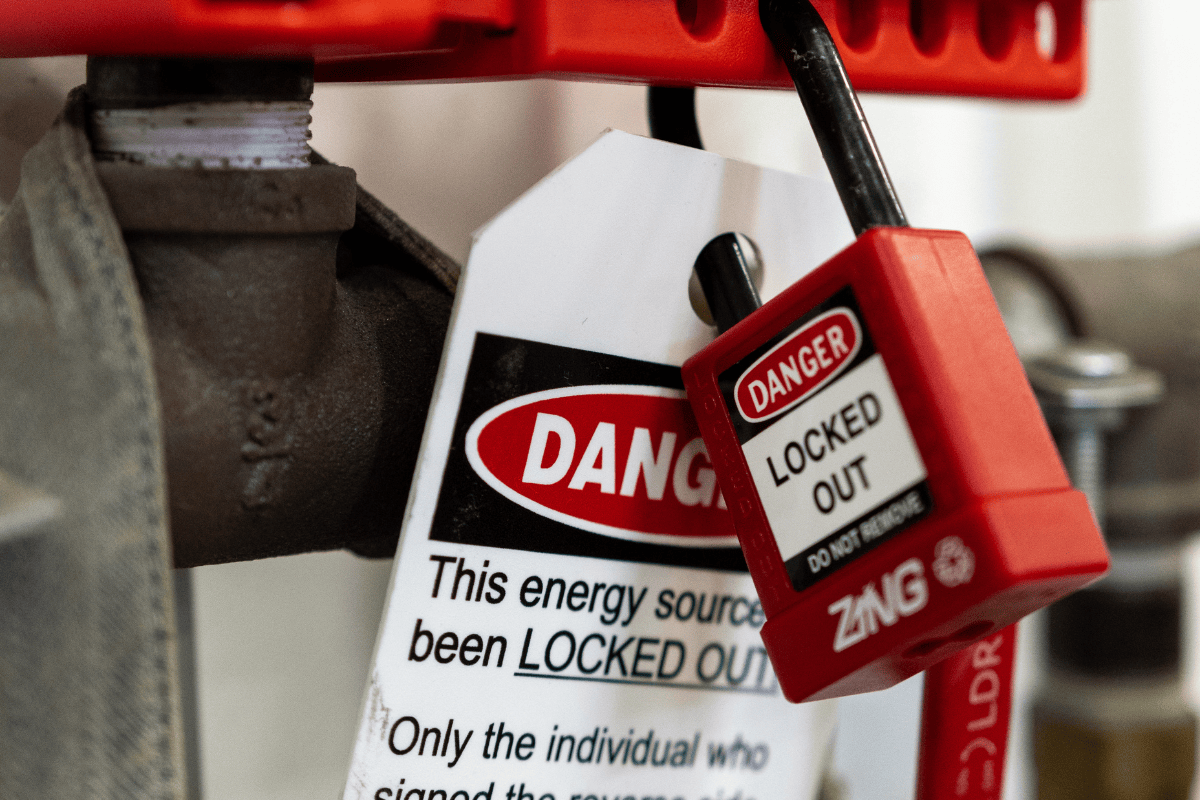
Most industrial facilities have lockout tagout (LOTO) procedures. Few maintain consistent, compliant records. When a machine goes down for maintenance, workers apply locks and tags—but how many sites accurately log every step? Without a structured lockout tagout log template, even minor oversights can lead to catastrophic incidents, OSHA violations, or failed audits.
A well-designed LOTO log isn’t just paperwork. It’s a critical layer of accountability, proving that energy isolation was properly executed, verified, and cleared. This guide delivers practical, field-tested templates and insights to help you build or refine your lockout tagout log system—so it serves as both a compliance tool and a real safety asset.
Why a Lockout Tagout Log Template Matters
LOTO logs are rarely the star of safety programs. But they’re the paper trail that protects workers and companies alike.
OSHA standard 29 CFR 1910.147 requires employers to document energy control procedures, including periodic inspections and employee training. While the regulation doesn’t mandate a specific log format, a standardized template ensures consistency across shifts, teams, and equipment types.
Without one, you risk:
- Incomplete entries missing key details (who locked out, when, which energy source)
- Difficulty proving compliance during inspections
- Confusion during shift changes or emergency re-energization
- Increased liability in the event of an incident
A template eliminates guesswork. It structures essential data points so every authorized employee records the same core information—every time.
Key Elements of an Effective LOTO Log Template
A useful lockout tagout log template isn’t just a blank form. It’s a checklist in disguise—designed to capture compliance-critical data efficiently.
Core Fields Every Template Should Include
| Field | Purpose | Example |
|---|---|---|
| Date & Time (Start/End) | Tracks duration of lockout | 03/14 08:15 – 10:45 |
| Equipment ID/Name | Identifies isolated machinery | Conveyor Line 3, Pump A-7 |
| Type of Energy Isolated | Clarifies hazards controlled | Electrical, hydraulic, pneumatic |
| Authorized Employee | Names who applied lock/tag | John Rivera, ID #1082 |
| Lock/Tag ID Number | Tracks physical control devices | Lock #L3042, Tag #T912 |
| Reason for Lockout | Documents maintenance purpose | Motor replacement, alignment check |
| Verification Method | Confirms zero energy state | Tester used, visual inspection |
| Clearance Signature | Confirms safe re-energization | Maria Chen, 10:40 AM |
These fields ensure traceability. More importantly, they make audits fast and failures visible.
Common Mistakes That Undermine LOTO Logs
Even with a template, errors creep in—especially when safety becomes routine.
1. Blank Fields or Illegible Entries Rushed handwriting or skipped sections (especially “verification method”) weaken defensibility. Use checkboxes or dropdowns where possible to reduce variability.
2. Using One Log for Multiple Machines A single log covering 10 machines during one shift is a compliance red flag. Each energy source should have its own documented process. Bundle logs by job, not by equipment group.
3. No Verification Proof Simply writing “verified” isn’t enough. OSHA expects proof of testing—did someone use a voltage tester? Isolate and test each energy type separately.
4. Delayed or Missing Sign-Offs Re-energizing before clearance is signed off is a leading cause of accidents. The log must require a final signature before power restoration.
5. Template Not Accessible During Lockout If the log is on a clipboard two floors away, it won’t be used correctly. Store templates at or near lockout stations—preferably laminated or in weather-resistant sleeves.
Practical LOTO Log Template Examples
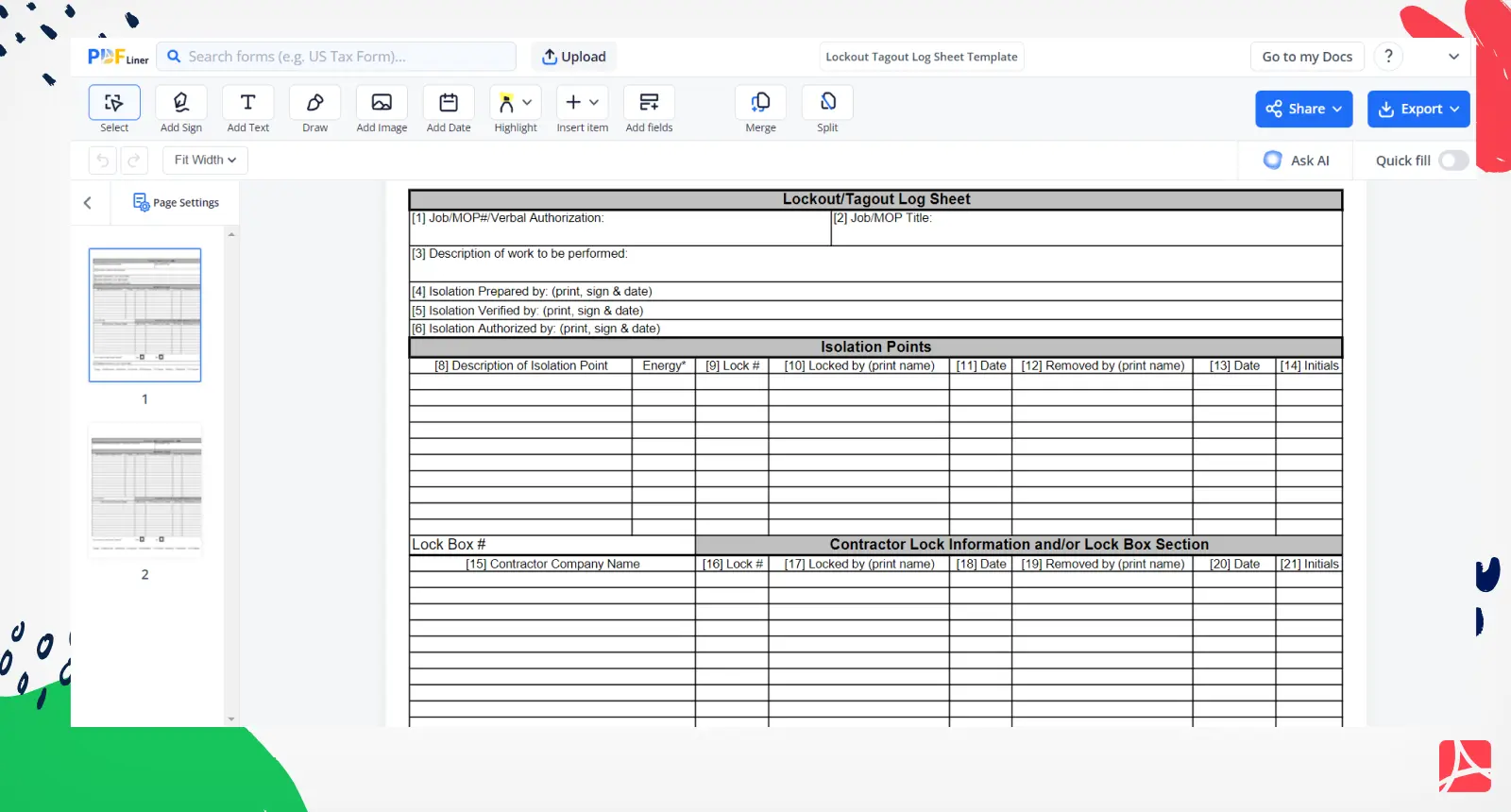
Here are two real-world log formats you can adapt—paper-based and digital.
Example 1: Basic Paper-Based LOTO Log
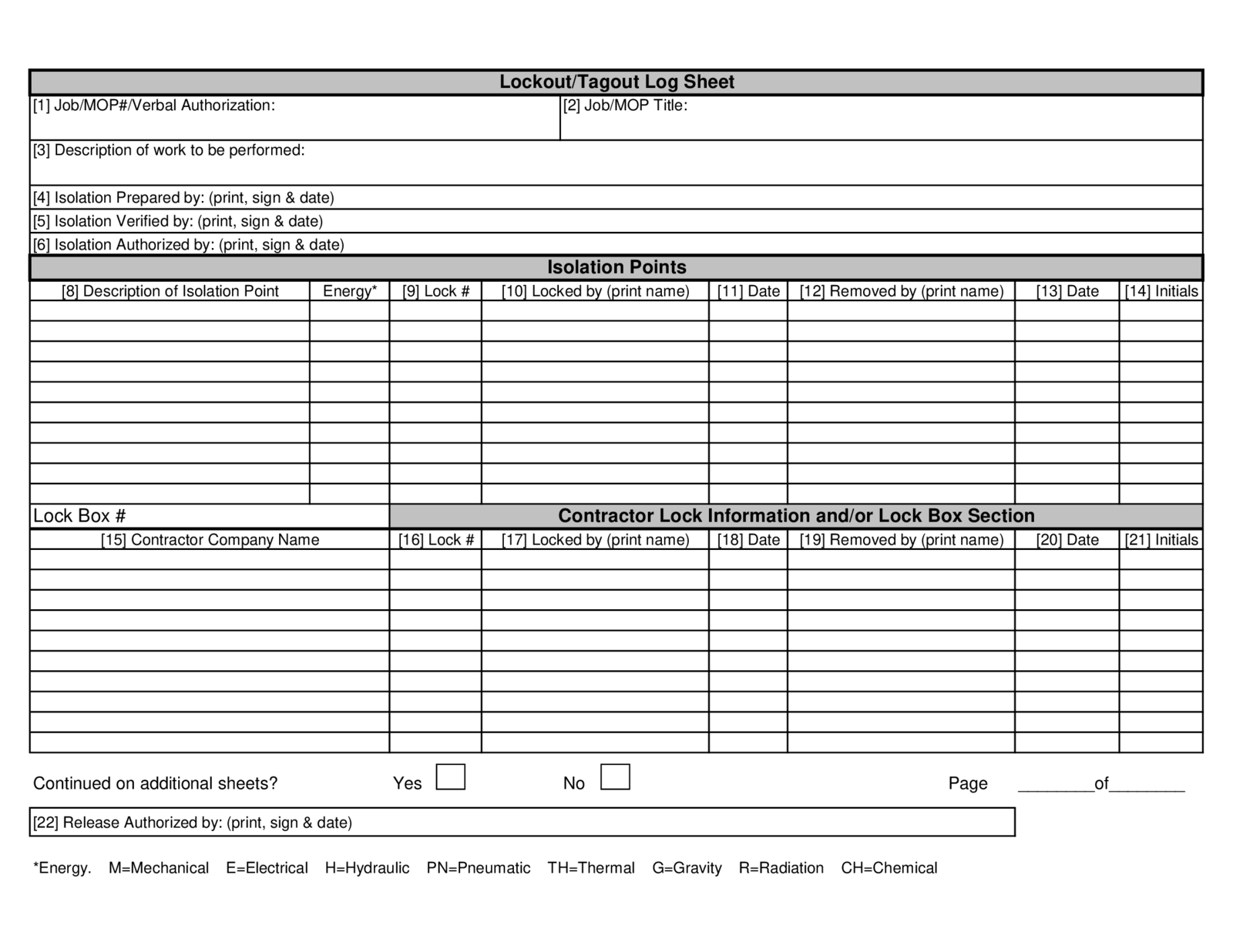
Lockout/Tagout Log Sheet
- Date: ______________
- Shift: ☐ Day ☐ Night
- Equipment: ________________________
- Location: _________________________
| Lock ID | Employee Name | Dept | Energy Type | Lock Applied (Time) | Verified (Yes/No) | Method Used | Cleared (Time) | Signature |
|---|---|---|---|---|---|---|---|---|
Notes: ________________________________________ Supervisor Review: ☐ Approved ☐ Follow-Up Required
Best for small shops or mobile teams. Print and keep at each LOTO station.
Example 2: Digital LOTO Log (Spreadsheet Version)
Use Google Sheets or Excel to create a searchable, sortable log. Add data validation rules to prevent missing entries.
| Timestamp | Equipment | Employee | Lock ID | Energy Type | Lock Applied | Verified | Test Method | Cleared | Cleared By |
|---|---|---|---|---|---|---|---|---|---|
| 03/14 8:15 | Pump A-7 | Rivera, J | L3042 | Electrical | ✅ | ✅ | Multimeter test | 10:45 | Chen, M |
Set up filters by date, equipment, or employee. Add conditional formatting to highlight entries over 8 hours old—flagging potential delays or forgotten clearances.
Best for multi-site operations or companies already using digital safety systems.
Top 5 Free & Customizable LOTO Log Templates
While you can build your own, these pre-made templates save time and align with OSHA best practices.
- OSHA-Compliant LOTO Log (SafetyStore)
- - Format: PDF & Word
- - Features: Clear headers, verification checklist, supervisor sign-off
- - Best for: Companies needing OSHA-ready documentation fast
- Industrial Safety Solutions Template (ISS)
- - Format: Excel
- - Features: Auto-calculated lockout duration, dropdown menus
- - Best for: Facilities using digital tracking across shifts
- NFPA-Aligned LOTO Log
- - Format: Google Sheets (shared link)
- - Features: Color-coded status, equipment-specific tabs
- - Best for: Plants with complex energy systems
- Simple Print-and-Use Log (SafetySign.com)
- - Format: Printable PDF
- - Features: Minimal fields, large writing areas
- - Best for: Small teams or temporary maintenance crews
- Customizable Canva Template
- - Format: Editable online design
- - Features: Brandable headers, mobile-friendly layout
- - Best for: Companies wanting branded safety forms
Always audit third-party templates. Ensure they include verification and clearance steps—many skip them.
How to Implement a LOTO Log System That Works
Having a template is step one. Making it stick is where most programs fail.
Train on the Why, Not Just the How Employees fill out logs more accurately when they understand the consequences of skipping steps. Use near-miss stories or audit findings to reinforce importance.

Integrate with Lockout Stations Place the log template inside or beside your LOTO cabinet. Pair it with extra tags, locks, and testing tools.
Audit Weekly Pick 3–5 random log entries each week. Check for completeness, correct verification, and timely clearance. Provide feedback immediately.
Link to Maintenance Work Orders Tie LOTO logs to maintenance tickets. The log becomes part of the job closeout process—just like cleaning up tools.
Update Templates Annually As equipment changes or new energy sources are introduced, revise the log. Add fields for cryogenic lines, capacitors, or robotic systems if needed.
Digital vs. Paper LOTO Logs: Which Is Better?
Both formats work. But the right choice depends on your operation’s scale and risk profile.
| Factor | Paper Logs | Digital Logs |
|---|---|---|
| Setup Cost | Low | Medium to high |
| Accessibility | On-site only | Cloud-based, mobile |
| Audit Trail | Manual review | Timestamped, searchable |
| Error Prevention | Relies on user | Validation rules, alerts |
| Training Curve | Minimal | Requires basic tech skills |
For most mid-sized to large facilities, digital logs reduce errors and speed up audits. For small workshops or infrequent maintenance, paper is often sufficient—if used consistently.
Pro Tip: Start with paper, prove compliance, then transition to digital. Rushing into software without discipline only magnifies bad habits.
Build a LOTO Log That Actually Gets Used
The best lockout tagout log template isn’t the fanciest—it’s the one your team uses correctly, every time.
Focus on simplicity, clarity, and accessibility. Test it in real scenarios: a night shift repair, a rush job, a multi-person maintenance team. Refine it until it fits your workflow—not the other way around.
Then train, audit, and repeat.
Because when the inspector arrives or an incident occurs, your log won’t just be paperwork. It’ll be your strongest defense.
FAQ
What should a lockout tagout log include? A complete LOTO log must record the date, equipment, authorized employee, lock/tag ID, energy types isolated, verification method, and clearance signature.
Is a LOTO log required by OSHA? While OSHA doesn’t specify a log format, 29 CFR 1910.147 requires documentation of energy control procedures, periodic inspections, and employee training—which a log supports.
Can I use a digital LOTO log? Yes—digital logs are compliant if they capture the same data as paper versions and prevent tampering or missing entries.
Who fills out the LOTO log? The authorized employee performing the lockout is responsible for completing the log, including verification and clearance.
How long should LOTO logs be kept? OSHA recommends retaining records for at least one year, though high-risk industries often keep them for 3–5 years.
Should each energy source have its own log entry? Yes—each lock and tag applied to isolate a specific energy source should be documented separately.
Can a single template work for all machines? Yes, if the template is flexible enough to capture different equipment IDs and energy types. Avoid overly specific forms.
FAQ
What should you look for in Lockout Tagout Log Template – Free & Practical Examples? Focus on relevance, practical value, and how well the solution matches real user intent.
Is Lockout Tagout Log Template – Free & Practical Examples suitable for beginners? That depends on the workflow, but a clear step-by-step approach usually makes it easier to start.
How do you compare options around Lockout Tagout Log Template – Free & Practical Examples? Compare features, trust signals, limitations, pricing, and ease of implementation.
What mistakes should you avoid? Avoid generic choices, weak validation, and decisions based only on marketing claims.
What is the next best step? Shortlist the most relevant options, validate them quickly, and refine from real-world results.